
A PERSONAL CALENDAR FOR SHIFT WORK
Your roster.
Your life.
Keep work in view.
Make room for everything else.
Bring your shifts, days off and everyday plans together on your iPhone. A clear picture of work. A little more space for you.
iPhone · English · No account needed
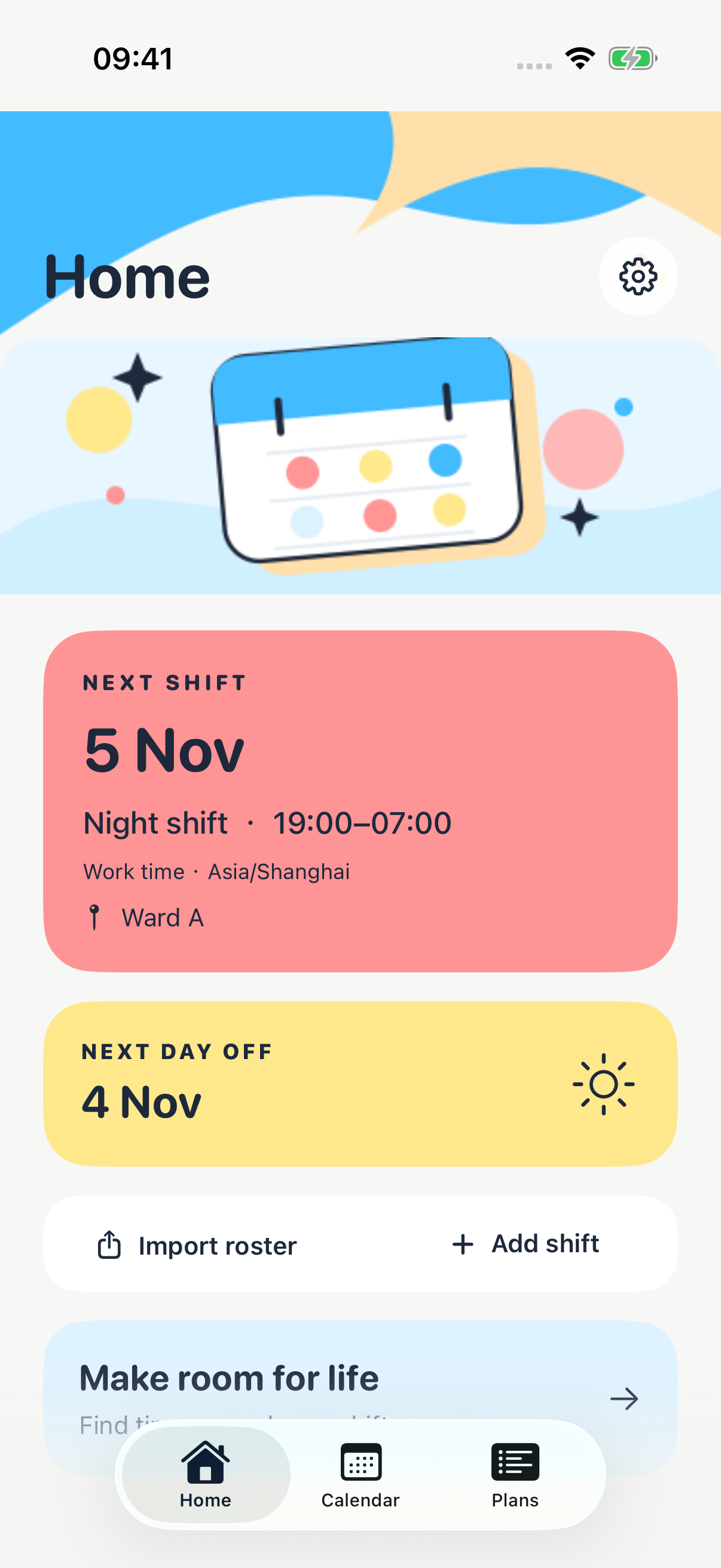
Your personal roster
Files processed on-device
Plans around your shifts
A CLEARER VIEW OF YOUR DAYS
Work has a pattern.
Life needs some room.
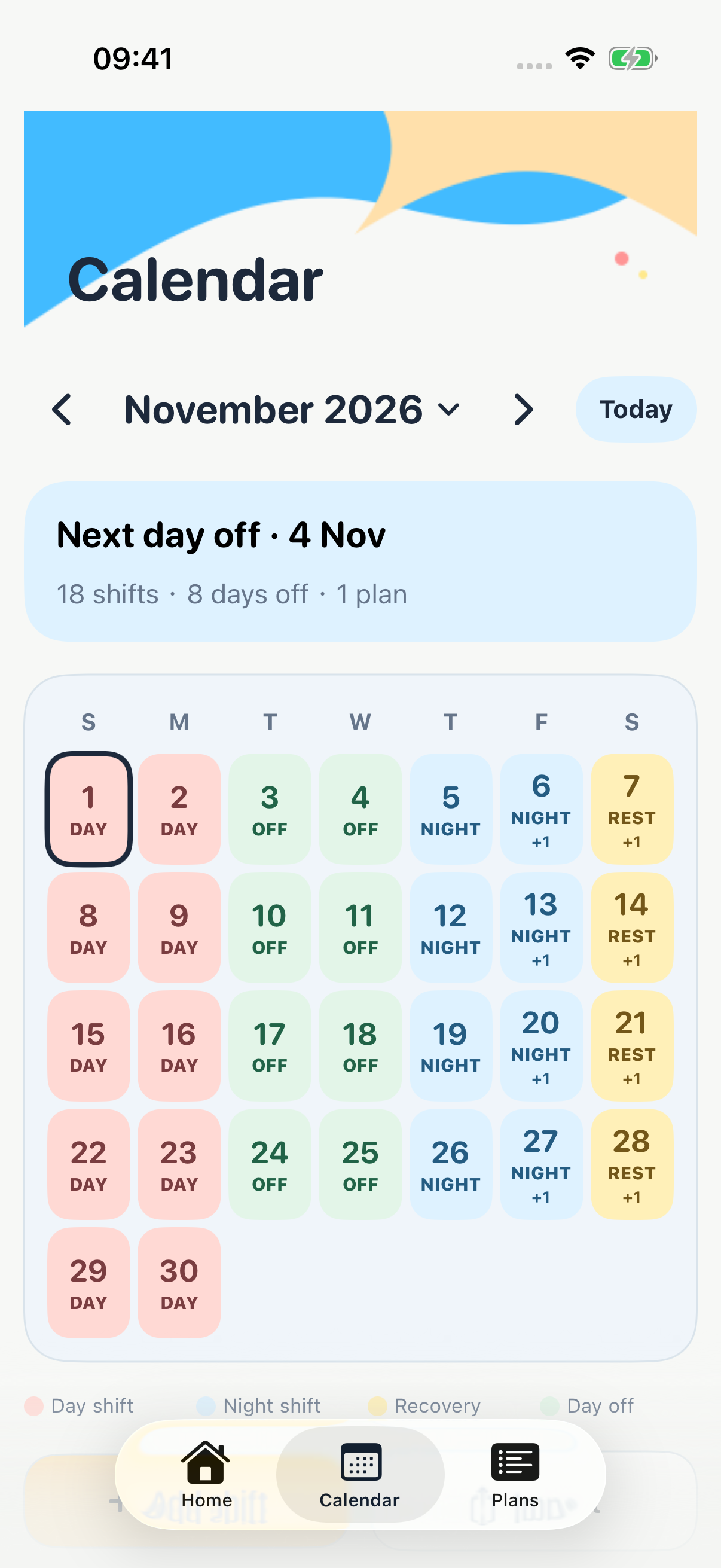
Day shifts, night shifts, travel, recovery. See the days you know, then make plans that fit around them.
Your schedule,
in one place.
Use a monthly calendar to see work and rest together. Open a date for details, add shifts yourself, or bring in your personal roster file.
- Clear color and text labels for each shift type
- Start and end times, including overnight shifts
- Work time zones and optional location notes
- Weekly repeats and a 14-on / 14-off option
TIME FOR THE REST OF YOUR LIFE
Coffee with a friend.
A check-up.
A little you time.
Tell Shift Life how long you need, choose your dates and preferred hours, then explore suggested times around your confirmed roster.
Suggestions help you choose. The final time is always yours.
How time suggestions work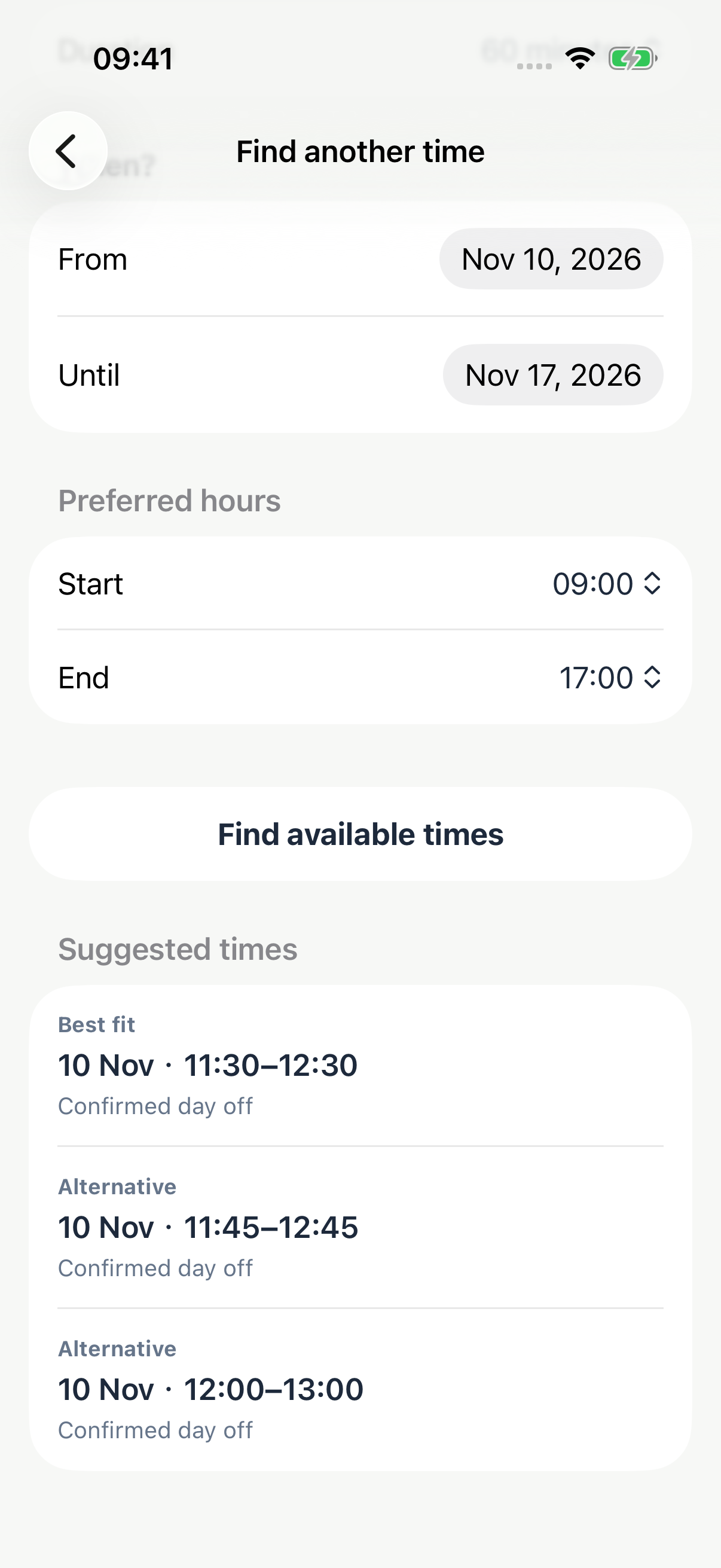
YOUR WORK, YOUR WAY
A starting point
that fits your work.
Choose guidance for your work pattern. Your saved shifts stay under your control.
See the rhythm of your roster.
Import a personal roster, or enter your own day, night and on-call shifts. Keep recovery time visible and look for room for appointments around the days you have confirmed.
Read the work pattern guideNIGHT
OFF
Work rotations. Rest days. Travel.
Add the work and rest days you know, including travel. For a confirmed day-shift rotation, the manual editor offers 14 work days and 14 days off over three cycles. Confirm which rest days are ashore when you need to make plans at home.
Explore rotation setupREST
TRAVEL
Record what you know.
Keep confirmed work and rest days together without guessing future duties. For plans that require being ashore, mark an appropriate day off as confirmed ashore. Blank dates are not treated as confirmed free time.
Understand ashore suggestionsREST
ASHORE
TAKE A CLOSER LOOK
Familiar days.
A fresh perspective.
Explore real screens from the English iPhone app. Tap a screen to enlarge it.
Example data shown. The widget screen is the in-app configuration preview.
PERSONAL MEANS PERSONAL
Your roster stays
on your iPhone.
No account to create. No roster upload to our servers. Files are read on your device, and core calendar and planning features work offline.
Local information can be included in device backups depending on your Apple settings. You can clear your app data in Settings.
Read the privacy policyA LITTLE HELP GOES A LONG WAY
Let’s get you
back to your day.
From your first roster to a reminder that needs checking, find practical steps in the guide or get in touch by email.